How to Generate Your First CRA-Ready SBOM: A Practical Tool Guide
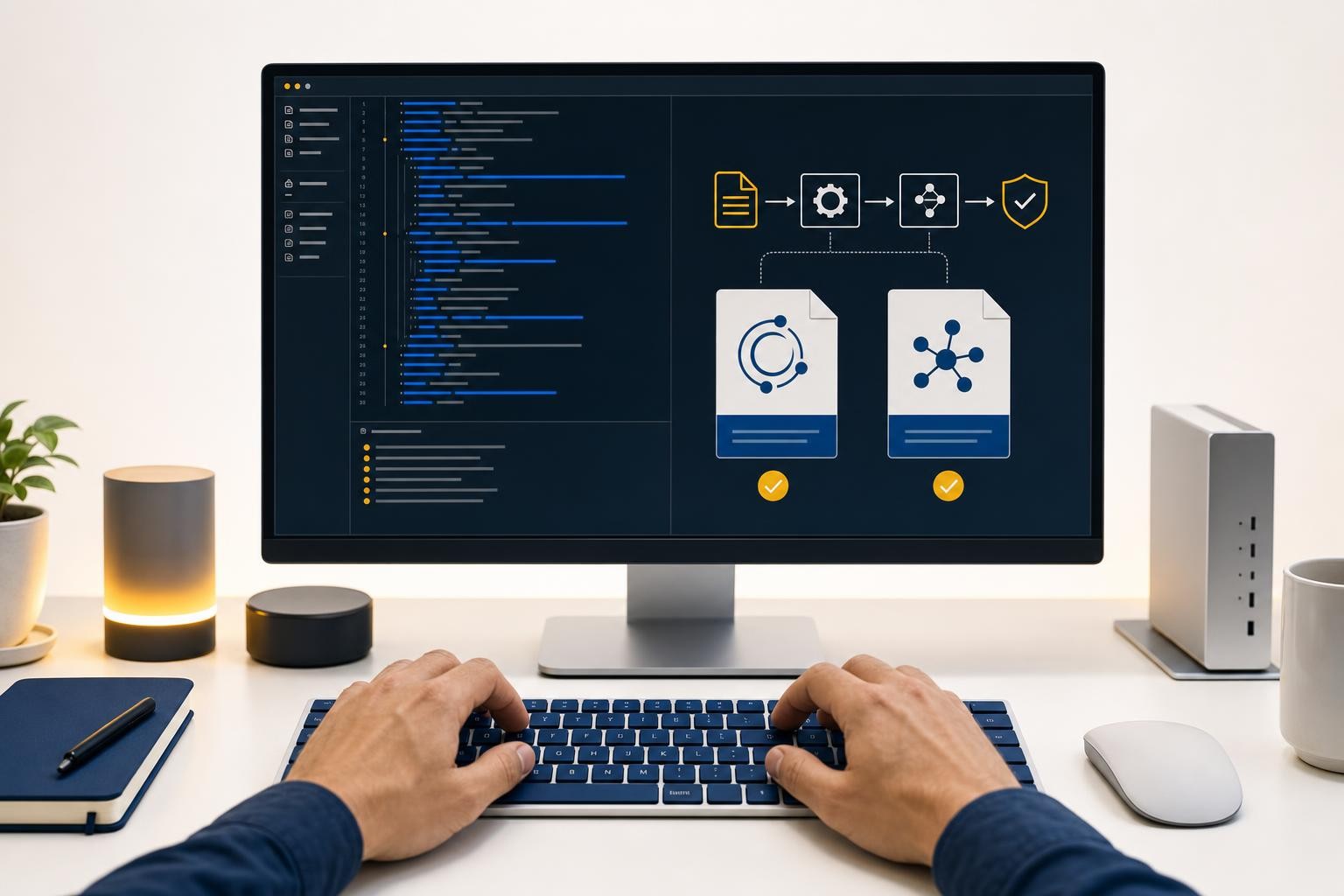
You already know you need an SBOM. The Cyber Resilience Act requires one - machine-readable, covering at least top-level dependencies, stored in your technical documentation for ten years. What most guides skip is the part that actually takes time: sitting down and producing the file.
This post is about execution. Pick a tool, run a command, get a file. Here is how to do it.
Step 1: Choose Your Format - CycloneDX or SPDX
Both formats are acceptable evidence under the CRA. The regulation specifies "machine-readable" and "at least top-level dependencies" - it does not mandate a specific schema. In practice, the choice comes down to what you want to do with the SBOM after you generate it.
| CycloneDX | SPDX | |
|---|---|---|
| Origin | OWASP | Linux Foundation / ISO IEC 5962:2021 |
| Primary focus | Security & supply chain analysis | Licensing & regulatory compliance |
| Security tool ecosystem | Native output in Snyk, Trivy, Grype, Anchore, most commercial SCA platforms | Supported, but less native integration |
| Regulatory / government adoption | NTIA-recognised format | NTIA minimum elements, US CISA guidance, ISO standard |
| CRA acceptability | ✓ Acceptable | ✓ Acceptable |
| Formats | JSON, XML | Tag-value, JSON, YAML, RDF |
Choose CycloneDX if your primary goal is vulnerability management - you want to pipe the SBOM into a scanner or SCA platform immediately after generation. CycloneDX is more focused on vulnerability and security, and most commercial tooling generates it natively.
Choose SPDX if your organisation has existing licence-compliance workflows, or if you are supplying components to government or defence customers who may require it. SPDX is developed by the Linux Foundation, aimed at standardising the documentation and sharing of software components, licenses, and copyrights.
If you are genuinely unsure, start with CycloneDX. You can always convert later - Syft (covered below) can translate between formats without regenerating from scratch.
Step 2: Pick a Generator
Four open-source tools cover the vast majority of use cases. Here is what each one is best at.
cdxgen - Best for polyglot source repos
cdxgen is the official OWASP CycloneDX project for SBOM generation - a free, open-source CLI tool that creates CycloneDX-compliant Bills of Materials from source code, container images, and virtual machines across 20+ programming languages.
It covers 20+ languages and package managers including Java (Maven, Gradle, SBT), JavaScript (npm, yarn, pnpm), Python (pip, Poetry), Go, Rust, .NET, PHP, Ruby, and C/C++. It is licensed under Apache 2.0.
Point it at a project directory or container image, and it automatically detects the languages and package managers in use, resolves dependencies, and outputs a CycloneDX BOM in JSON format.
# Install via npm
npm install -g @cyclonedx/cdxgen

# Generate SBOM for a source directory
cdxgen -t java /path/to/project -o sbom.json

# Auto-detect language
cdxgen /path/to/project -o sbom.json
Unlike Syft, which supports both SPDX and CycloneDX output formats, cdxgen focuses exclusively on CycloneDX and goes deeper into that ecosystem. It also supports attestation documents (CDXA) and can sign the BOM document at a granular level to improve authenticity.
Best for: Multi-language monorepos, teams already in the CycloneDX ecosystem, or anyone who wants to integrate with OWASP Dependency-Track.
Syft - Best for format flexibility and containers
Syft is an open-source SBOM generator from Anchore, released under Apache 2.0. It produces CycloneDX, SPDX, GitHub, or Syft-native SBOMs from container images, filesystems, and directories.
It's written in Go, and ships as a single binary - no runtime dependencies to manage.
# Install
curl -sSfL https://raw.githubusercontent.com/anchore/syft/main/install.sh | sh -s -- -b /usr/local/bin

# Generate CycloneDX SBOM from a container image
syft nginx:latest -o cyclonedx-json=sbom.cdx.json

# Generate SPDX SBOM from a local directory
syft dir:./my-project -o spdx-json=sbom.spdx.json

# Generate both formats in one pass
syft nginx:latest -o spdx-json=./spdx.json -o cyclonedx-json=./cdx.json
Syft treats the SBOM as the deliverable: generate it, sign it, archive it, ship it to customers or auditors, and then optionally feed it into Grype or another scanner. Syft development is sponsored by Anchore, and is released under the Apache-2.0 License.
Best for: Teams that need both CycloneDX and SPDX output, container-heavy environments, or anyone who wants a single binary with no dependencies.
Trivy - Best when vulnerability scanning is the primary goal
Trivy is an open-source security scanner from Aqua Security, also Apache 2.0. It scans for vulnerabilities, IaC misconfigurations, secrets, and licenses, and generates SBOMs in CycloneDX, SPDX, and GitHub formats.
# Install
brew install trivy   # macOS
# or via script: https://aquasecurity.github.io/trivy/

# Generate CycloneDX SBOM for a container image
trivy image --format cyclonedx -o sbom.json nginx:latest

# Generate SBOM for a local filesystem
trivy fs --format cyclonedx --output sbom.json ./my-project
Pick Trivy when vulnerability scanning is the goal and SBOM is a side-output. The SBOM and the CVE scan happen in the same command, which makes it efficient for CI pipelines where you want both artefacts at once.
A note on Trivy supply chain risk: In March 2026, Trivy's own supply chain was compromised in two separate incidents. If you use Trivy in CI/CD, pin to a specific verified release digest and monitor the Aqua Security advisory feed closely. For teams with strict supply chain controls, cdxgen or Syft may be a lower-risk choice for SBOM generation specifically.
Best for: Teams that already use Trivy for vulnerability scanning and want SBOM generation as part of the same workflow.
Tern - Best for Dockerfile-first container analysis
Tern is a software composition analysis tool and Python library that generates a Software Bill of Materials for container images and Dockerfiles. The SBOM that Tern generates will give you a layer-by-layer view of what's inside your container.
It generates SBOMs in the SPDX format for container images and Dockerfiles, providing a layer-by-layer view of the contents.
# Install via pip
pip install tern

# Generate SPDX JSON SBOM from a container image
tern report -f spdxjson -i nginx:latest -o sbom.spdx.json

# Generate SBOM from a Dockerfile
tern report -d ./Dockerfile -f spdxjson -o sbom.spdx.json
These granular insights are valuable for understanding how components are introduced into the image. However, the analysis can be time-consuming, which lengthens build times. Tern is the right choice when you need to understand exactly which image layer introduced a specific package - useful for debugging or for detailed audit trails.
Best for: Container-only products, teams building on Dockerfiles who want layer-level provenance in SPDX format.
Step 3: Use the Tool Selector
Not sure which generator fits your situation? Use this decision tool to find your match in under a minute.
Step 4: A Starter Workflow for CRA Evidence
Generating the file is only half the job. Here is the minimum viable workflow to turn a raw SBOM into defensible CRA evidence.
Choose CycloneDX or SPDX based on your toolchain. Run your chosen generator against your main source repository and your container image(s) if you ship containers. Capture the output as a versioned file — e.g. sbom-v1.2.3.cdx.json.
Open the file and confirm it lists your direct dependencies with name, version, and (where available) package URL (PURL). The CRA minimum is top-level dependencies — transitive dependencies are better but not required for initial compliance. Most generators include them by default.
The SBOM belongs in your Annex VII technical file — not on a public website. You are not required to publish it. Store it alongside your risk assessment, architecture documentation, and vulnerability-handling process. Your technical file must be kept for ten years from the date the product is placed on the market.
The CRA requires the SBOM to be kept up to date. Wire SBOM generation into your release pipeline so a new file is produced automatically on each tagged release. At minimum, regenerate manually whenever you add, remove, or significantly update a dependency.
Your SBOM is also the foundation for the component due-diligence obligations covered in our third-party components guide. Feed it into a vulnerability scanner (Grype, Trivy, or your SCA platform) to identify known CVEs in your dependency tree.
What the CRA Actually Requires (and What It Doesn't)
A few common misconceptions worth clearing up before you over-engineer this:
- You do not need to publish your SBOM. It is internal technical documentation, retained for authorities on request.
- You do not need transitive dependencies on day one. Top-level dependencies satisfy the minimum. Transitive coverage is better practice and makes vulnerability triage faster - but it is not the legal floor.
- Either CycloneDX or SPDX is fine. The regulation does not mandate a specific schema. Both are machine-readable and both are recognised formats.
- The SBOM is not a one-time exercise. The CRA requires the SBOM to be updated on each substantial modification of the product. Build it into your release process now, not as a compliance sprint before the deadline.
- The technical documentation, including the SBOM, must be retained for ten years from the date the product is placed on the market.
Putting It Together
The actual generation step - running cdxgen, syft, or trivy against your repo - takes minutes. The work is in making it repeatable: wiring it into CI, versioning the output file, and filing it correctly in your technical documentation.
If you are starting from zero today, the fastest path is:
- Source repo:
cdxgen /path/to/project -o sbom.json(auto-detects language, outputs CycloneDX) - Container image:
syft your-image:latest -o cyclonedx-json=sbom.cdx.json - Store both files in your technical documentation folder, named with the product version and date.
That is a defensible starting point. Refine from there.
This post is practical guidance, not legal advice. For questions about your specific compliance obligations under the Cyber Resilience Act, consult a qualified legal adviser.
New to SBOMs? Start with our SBOM basics guide for a plain-English explanation of what an SBOM is, what the CRA requires it to contain, and how it fits into your broader technical documentation.
For monthly updates on CRA implementation — harmonised standards, guidance publications, and deadline changes — subscribe to The CRA Brief.
Related reading
Three Weeks Into CRA Reporting: What Early Users Learned and What a "Disclosure Delay" Really Means
Article 14 reporting has been live for three weeks. Here is what early users of ENISA's Single Reporting Platform report, what a "disclosure delay" does and does not change, and the four things worth doing this week.
CRA SBOM Requirements: What Goes Inside, Which Format Versions to Use, and Where VEX Fits
The CRA says your SBOM must be machine-readable but not what fields it needs. Here is what goes inside, which CycloneDX and SPDX versions still count, and why VEX is optional.
Does the Cyber Resilience Act Require Penetration Testing?
The CRA never mentions penetration testing. Annex I, Part II, point 3 requires "effective and regular" security tests - here is what that means in practice.